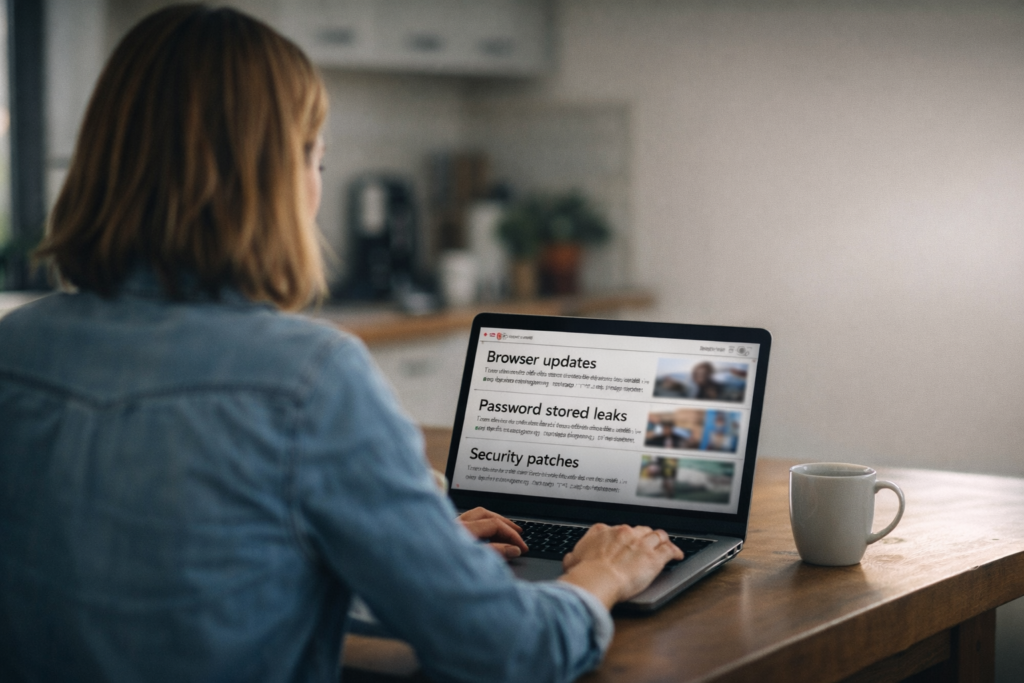
This month brought several important security updates across major platforms — from browsers and phones to email tools and financial services. None of this is meant to alarm you, but it is worth paying attention to.
The good news? In most cases, protecting yourself comes down to a few straightforward steps. We’ll walk you through what happened and what you should do next — clearly and simply.
Browsers, Phones & Patch Tuesday — Multiple Actively Exploited Zero-Days
Google released an emergency Chrome fix for a serious vulnerability already being exploited in the wild. Around the same time, Apple patched an actively exploited zero-day affecting iOS and MacOS. On top of that, this month’s Patch Tuesday included multiple actively exploited vulnerabilities across platforms. The pattern is clear: attackers are moving fast, and known holes are being used quickly.
Quick takeaway & action:
Update Chrome and any Chromium-based browsers, install the latest Apple updates, and run OS/app updates (Windows, MacOS, Office). Enable automatic updates and restart if prompted.
Copilot accidentally summarized confidential emails
Microsoft reported a bug where its AI assistant, Copilot, could produce summaries that included content from confidential emails. That’s a privacy problem because information you expect to stay inside your inbox might get reused.
Quick takeaway & action:
Avoid feeding sensitive info into AI tools and check vendor notices for fixes; if you’re an admin, review audit logs if available.
Huge password collection found online — 149 million credentials exposed
A huge collection of login details (usernames + passwords) for many popular services was exposed online. The list includes accounts for services like Gmail, Facebook, and Instagram.
Quick takeaway & action:
Password reuse lets attackers hop from site to site with a single leak. Use unique passwords and enable two-factor authentication (2FA) on all accounts.
Data breach at Betterment, a fintech firm, exposed 1.4 million accounts
Betterment reported a breach that exposed details for around 1.4 million accounts. This data could be used for fraud or targeted phishing.
Quick takeaway & action:
Visit haveibeenpwned.com, enter your email address, and see if your information appears in any known data breaches.
Short checklist — the six things to do right now
- Update everything — browsers, phone/tablet, OS, and office apps.
- Enable automatic updates where sensible.
- Use unique passwords and a password manager.
- Turn on 2FA for all accounts.
- Be cautious with AI tools; avoid sharing sensitive information.
- Visit haveibeenpwned.com to see if your information has been exposed.
As always, if you need help reviewing updates, tightening account security, or strengthening protections for your team, we’re here for you! You can book time with us here: https://calendly.com/geekgirltech/discovery
Stay safe — and please hit update before you forget. ❤️
Resources
- The Hacker News — New Chrome zero-day (CVE-2026-2441) under active attack.
- Malwarebytes — Apple patches zero-day that could let attackers take control of devices.
- February 2026 Patch Tuesday (six actively exploited zero-days).
- SecurityWeek — Microsoft patches Office zero-day likely exploited in targeted attacks.
- BleepingComputer — Microsoft says bug causes Copilot to summarize confidential emails.
- Data breach at fintech firm exposes 1.4 million accounts.
- Tom’s Guide — 149 million passwords for Gmail, Facebook, Instagram and other services exposed online — how to stay safe.